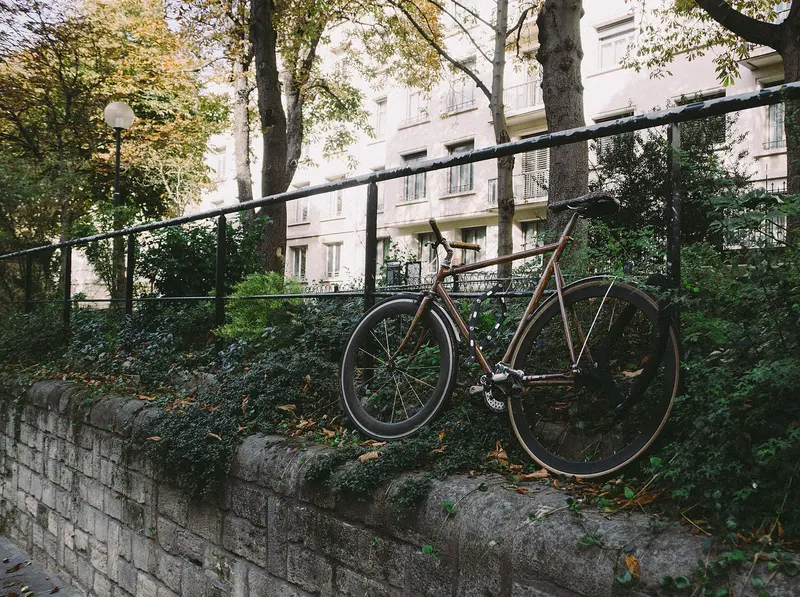
Fitting a Bluetooth tracker to a bike is cheap and quick, and Apple says AirTag owners have been reunited with lost bicycles as well as keys and bags. But it is worth understanding the limits before you rely on one.
How a tracker finds a bike
A Bluetooth item tracker has no GPS or mobile connection of its own. Its position is reported when a phone on the same network passes close enough to pick up its signal — so a bike stored in a busy place is likely to show up, while one hidden in a lock-up or garage may not. Apple’s Find My, Google’s Find Hub, Samsung’s SmartThings Find and Tile all work this way; see how the networks work.
The anti-stalking protections built into these networks also matter. iPhones and Android phones are designed to warn people when an unknown tracker seems to be moving with them, and an AirTag separated from its owner for a while makes a sound when moved — so someone riding off on your bike with their phone may be alerted that a tracker is nearby, and could find and remove it.
Where to fit it
The aim is to hide the tracker without blocking its signal more than necessary:
- Under the bottle cage, between the cage and the frame — where purpose-made devices such as the Knog Scout go.
- Under the saddle or inside a seat-pack.
- Inside a frame tube — Pebblebee LÔC8 is a cylinder designed to fit inside tubes, although Pebblebee says range is lower when it is enclosed.
- Stuck on with a stick-on mount or a Tile Sticker.
Choose something weather-resistant: look for an IP rating such as IP67 or IP68, or put the tracker in a sealed mount.
Purpose-made options
| How it works | Phone | |
|---|---|---|
| Knog Scout | Motion alarm (85 dB) plus Apple Find My tracker, fits under a bottle cage with security screws | iPhone |
| Pebblebee LÔC8 | Hidden cylinder tracker for tubes; Find My or Find Hub | iPhone or Android |
| ANYMODE bike case for SmartTag2 | Bolts a Galaxy SmartTag2 to the frame | Samsung Galaxy |
| AirTag bike mounts | Hides an AirTag under the bottle cage, saddle or reflector | iPhone |
If your bike is stolen
- Check the tracker’s last location in its app, and mark it as lost so you are told when it is next detected.
- Report the theft to the police quickly, with your frame number, registration database number and a photo of the bike, and give them the tracker’s location information. Call 999 if a crime is happening now.
- Don’t try to recover the bike yourself. Samsung advises not going to the location shown on the map but contacting the authorities, Tile recommends contacting the police rather than confronting a thief, and Google says tracker tags shouldn’t be used to locate stolen items.
- Update the bike registration database, and tell your insurer if you have cover.
Lock it, register it, then track it
A tracker is a back-up, not a replacement for good security. police.uk’s headline advice is to double lock your bike and register the frame number:
- Use two quality locks, at least one of them a D-lock, and lock the frame and both wheels.
- Register the frame number on a national bike registration database approved by Secured by Design — the frame number is usually under the bike between the pedals.
- Get the bike security marked, which police.uk calls a highly effective, visible deterrent.
Tile also offers an Anti-Theft Mode for high-value items such as bikes, which stops your Tile showing up in other people’s Scan and Secure checks — but you must pass ID verification to switch it on.
Sources
- Apple Newsroom (UK), 26 January 2026 — new AirTag
- Knog — Scout Bike Alarm & Finder
- Pebblebee — LÔC8
- Pebblebee Help — LÔC8 specifications
- Samsung UK — ANYMODE SmartTag2 Protective Case for Bicycle
- police.uk — protect your bike from theft
- Samsung UK Support — use SmartThings Find (stolen devices)
- Android Help — tracker tags (not for locating stolen items)
- Apple Support — alerts about AirTag and other items
- Life360 Support — Anti-Theft Mode
This guide is general information, not legal or safety advice for your situation. If you are in danger, call 999.