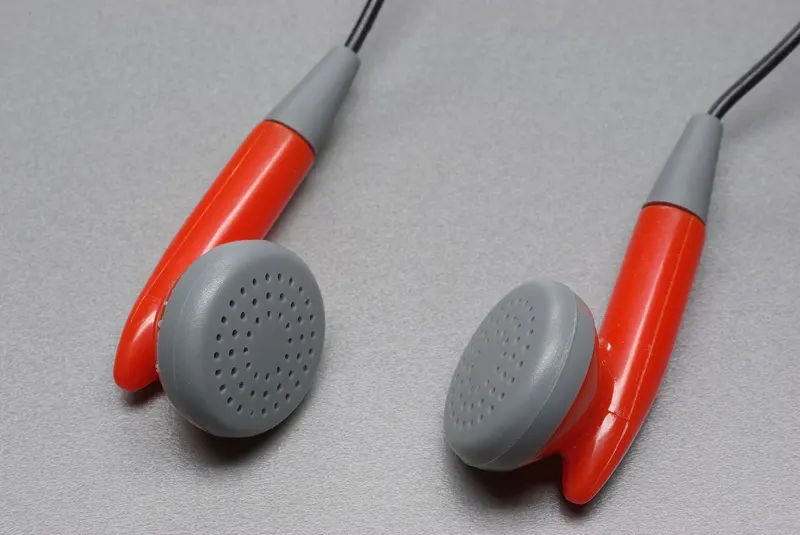
Wireless earbuds are among the easiest things to lose: one falls out on a run, the case slips down the back of the sofa, or the whole set is left on a train seat. The good news is that many of them can be found with the same apps you use for item trackers. Here is how, from Apple's and Google's own help pages.
AirPods: Apple Find My
Apple's help page explains the steps:
- Open Find My on your iPhone, go to Devices and select your AirPods.
- Find them on the map. If they're far away, Apple says you can "tap Get Directions to open their location in Maps".
- If they're nearby, "tap Play Sound and listen for a series of beeps".
Some points worth knowing:
- Out of range or flat: if your AirPods are out of range or need charging, you "may see their last-known location". You can still get directions, but you can't play a sound or use Find Nearby.
- One earbud at a time: "If your AirPods are not in the same place, choose which AirPod you want to find."
- The case: on newer models — Apple lists AirPods Pro 2 and later, AirPods 4 (ANC) and AirPods 5 with Wireless Charging Case — you can separately mark each earbud and the case as lost.
- Lost Mode: under Lost, tap Lost Mode or Show Contact Info, so someone who finds them can contact you.
- The network: Apple describes the Find My network as "an encrypted, anonymous network of hundreds of millions of Apple devices".
Notify When Left Behind is worth turning on before you lose anything: Apple says your iPhone or Apple Watch "can alert you when you leave your supported AirPods at an unknown location". If lost AirPods come back online, you get a notification.
Earbuds and headphones on Android: Google Find Hub
Google's help page says the Play sound option works with wireless headphones, but they must be turned on, and earbuds must be out of the case. Earbuds tucked in a closed case in a coat pocket won't ring.
You can also mark an accessory as lost in Find Hub and leave a phone number, email address or message. Google says it's marked as found automatically when it's near the Android device it's connected to.
Find Hub is open on another Android device or at google.com/android/find in a browser. Where an accessory can't report a current location, Google says "you may still find its last known location, if available." Our guide to how Find My and Find Hub work explains the networks behind this.
Samsung Galaxy earbuds can also show up in Samsung's own finding service — see our page on SmartThings Find.
Tips for the search
- Ring them in a quiet room. Earbud speakers are tiny. Turn off the TV and listen.
- Check the places they fall. Between seat cushions, coat linings, the car footwell, the bottom of a bag.
- Use the last known location to decide where to look first, then use Play Sound or Find Nearby when you get there. Our post on Find Nearby, Play Sound and the map has more on how the map works.
- If you think they're with someone else — a venue's lost property or a transport company — ask them to look before you go. If you think they were stolen, report it to the police rather than trying to get them back yourself.
New earbuds for Christmas?
If you're unwrapping a new pair, set them up straight away on your own account, turn on Find My or Find Hub for them, and on AirPods turn on Notify When Left Behind. If you're switching between iPhone and Android, our post on a new phone at Christmas explains how networks are tied to the phone.
Sources
- Apple Support: If you lose your AirPods
- Google Android Help: Find, lock or erase a lost Android device
Checked 23 November 2026.
This article is general information, not legal, safety or insurance advice for your situation. If you are in danger, call 999.