
Item trackers are a popular small present: useful for someone who is always losing keys, a student heading back to university or a relative who travels. They come with a few things to think about that most stocking fillers don't.
Check it works with their phone
Trackers belong to a network, and the network depends on the phone:
- AirTag needs an iPhone. Apple's specs for the AirTag (2nd generation) say it needs an Apple Account and an iPhone with iOS 26.2.1 or later.
- Galaxy SmartTag2 works with Samsung Galaxy phones and tablets on Android 9 or higher, Samsung's UK page says, not other makes of Android phone.
- Find Hub tags work with Android phones on Google's network.
If you don't know what phone they have, ask, or choose a tracker that works with both. Our Which tracker? tool and the phone filter on the trackers list help.
-
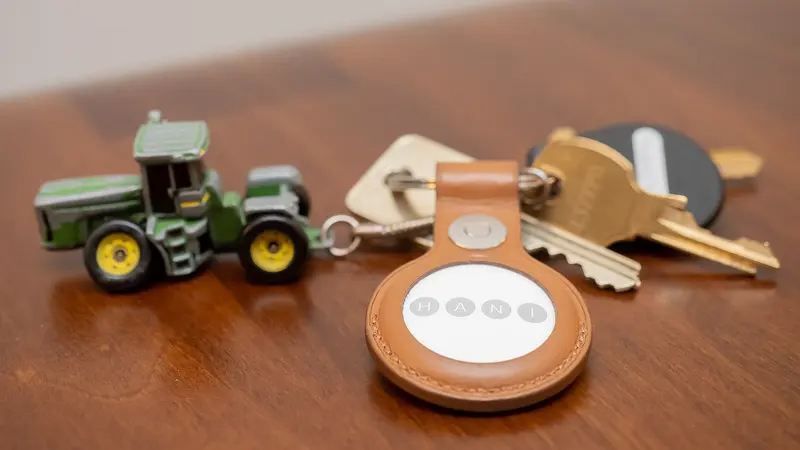 Photo: ajay_suresh, CC BY 2.0
Apple AirTag (2nd generation)
Apple · January 2026
- Phones
- iPhone
- Battery
- CR2032 coin cell
- Lasts
- More than a year
- Water
- IP67
-
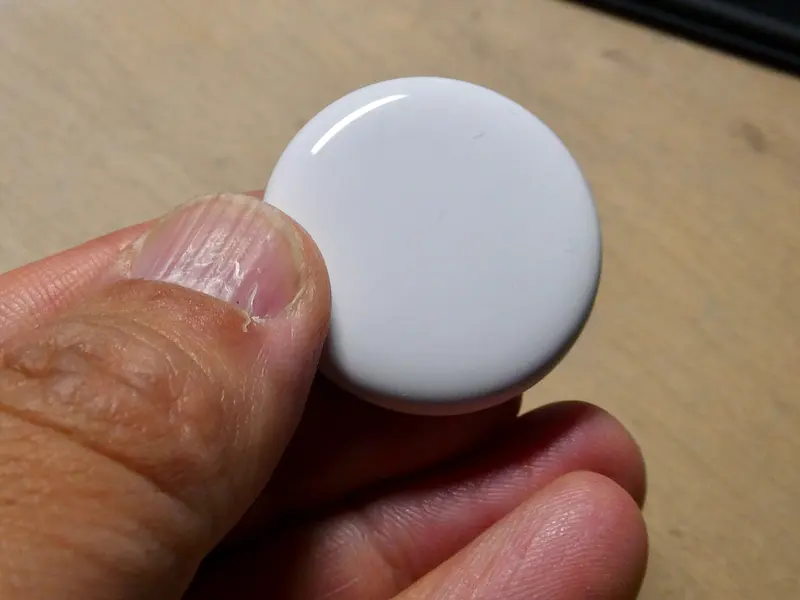 Photo: KKPCW, CC BY-SA 4.0
Apple AirTag (1st generation)
Apple · April 2021
- Phones
- iPhone
- Battery
- CR2032 coin cell
- Lasts
- Over a year with everyday use
- Water
- IP67
-
Tile Pro (2024)
Tile · September 2024
- Phones
- iPhone & Android
- Battery
- CR2032 coin cell
- Lasts
- Up to 1 year
- Water
- IP68
Product pages link to Amazon.co.uk with affiliate links. As an Amazon Associate I earn from qualifying purchases.
Let them set it up themselves
The most important point: give the tracker unopened, or at least not set up, so the person receiving it adds it to their own account.
Apple says an AirTag "can be associated with one Apple Account". If you set it up on your phone to test it, it is on your account, not theirs, and you can see where it is. To pass it on, Apple says the previous user must remove it from their account first; if they were out of Bluetooth range when they did, the AirTag has to be reset before it can be paired again. Apple's help page explains the reset.
For Find Hub tags, Google says removing a nearby tag from the app deletes its associated data, such as the paired device and your email address, and a factory reset removes your data from the tag.
Setting it up yourself and keeping it on your account is not a kind surprise. It means you could see where the recipient goes. Apple says these products "should not be used to track people", and our guide to privacy and anti-stalking protections explains why the makers have built in alerts.
Sharing, if they want it
Some families like to share a tracker on the family car keys or a shared suitcase. That should be the owner's choice, made after they have set it up. Our guide to sharing a tracker explains how sharing works on each network. On Find Hub, Google says an owner can share a tag with up to 10 people and stop sharing at any time.
Add an accessory
Most tags need something to attach them: a key ring, a holder or a luggage tag. Check the accessory fits the exact tracker model. Our accessories list shows what each one fits.
Product pages link to Amazon.co.uk with affiliate links. As an Amazon Associate I earn from qualifying purchases.
Think about the batteries
Many trackers use coin cells, and Christmas is a time when young children are about.
- Apple says an AirTag, its cover and battery can be a choking hazard for small children.
- The Child Accident Prevention Trust advises storing spare button batteries "up high and out of your child's reach" and getting rid of used ones as soon as you can, because "they are still unsafe".
Our guide to changing tracker batteries has more on safe storage and disposal.
For a pet?
If the present is really for the dog or cat, a Bluetooth tag is not the same as a GPS pet tracker. Our guide to AirTags and pets explains the difference, and our GPS pet trackers list shows what is available.
Not for tracking a person
A tracker is a present for someone to keep track of their own things. If you are thinking of one to keep an eye on a child or an older relative, see our post on trackers and children's belongings first.
This article is general information based on the makers' own pages. Check the current model and requirements before you buy.
Sources
- Apple Support: AirTag (2nd generation) tech specs
- Samsung UK: Galaxy SmartTag2
- Apple Support: How to reset your AirTag
- Google Android Help: Share and manage devices with Find Hub
- Apple Support: What to do if you receive an alert that an AirTag or other tracker is with you
- Child Accident Prevention Trust: Button battery safety
- Child Accident Prevention Trust: Button batteries in an emergency
This article is general information, not legal, safety or insurance advice for your situation. If you are in danger, call 999.