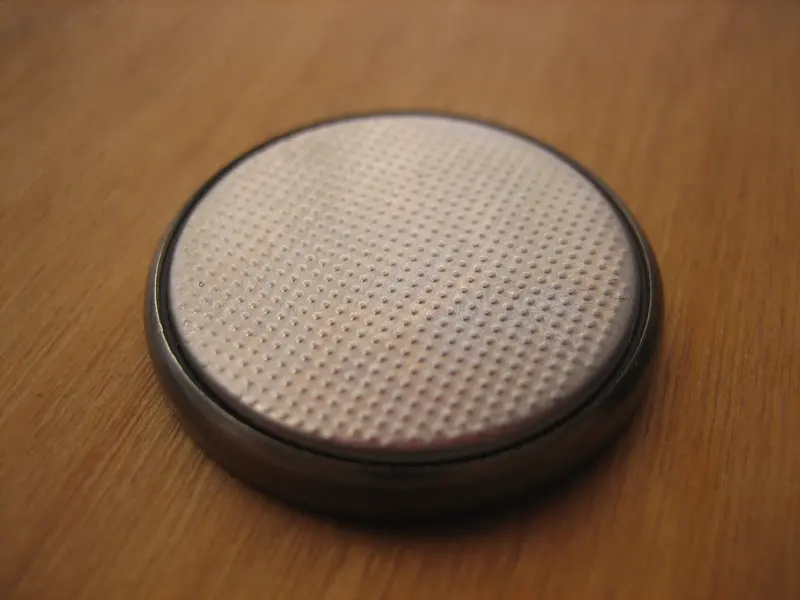
In winter, the keys on your keyring may spend nights in a cold car, a garage or a coat hanging by the door. Item trackers are small and their batteries are smaller. Here is what the makers say, and some simple checks for the season.
Operating temperatures
Apple's tech specs for the AirTag (2nd generation) give an operating ambient temperature of "−20° to 60° C (−4° to 140° F)". That covers a normal British winter, including a frosty night in the car. Other makers publish their own figures on their product pages, though not all of them list an operating temperature; Samsung's UK page for the Galaxy SmartTag2, for example, gives the battery and water rating but not a temperature range.
If a tag that has been sitting in a freezing car seems slow to respond, bring it indoors for a while and try again before assuming it has failed, and check the maker's own figures for the tag you have.
How long the batteries last
Makers state battery life in their own terms, and real-world life depends on how often the tag is used, how often it plays sounds and how often it is detected.
- AirTag: Apple's specs say it uses a "user-replaceable CR2032 coin cell battery".
- Galaxy SmartTag2: Samsung's UK page lists a replaceable CR2032 and battery life "up to 500 days", with "up to 40% more" in Power Saving Mode, which Samsung says may turn off some features such as Search Nearby.
Our trackers list can be filtered by battery type, and each product page shows the maker's stated battery life.
-
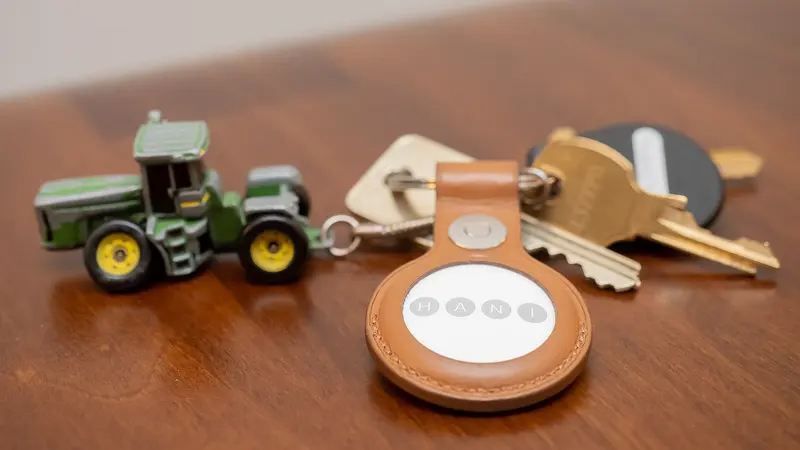 Photo: ajay_suresh, CC BY 2.0
Apple AirTag (2nd generation)
Apple · January 2026
- Phones
- iPhone
- Battery
- CR2032 coin cell
- Lasts
- More than a year
- Water
- IP67
-
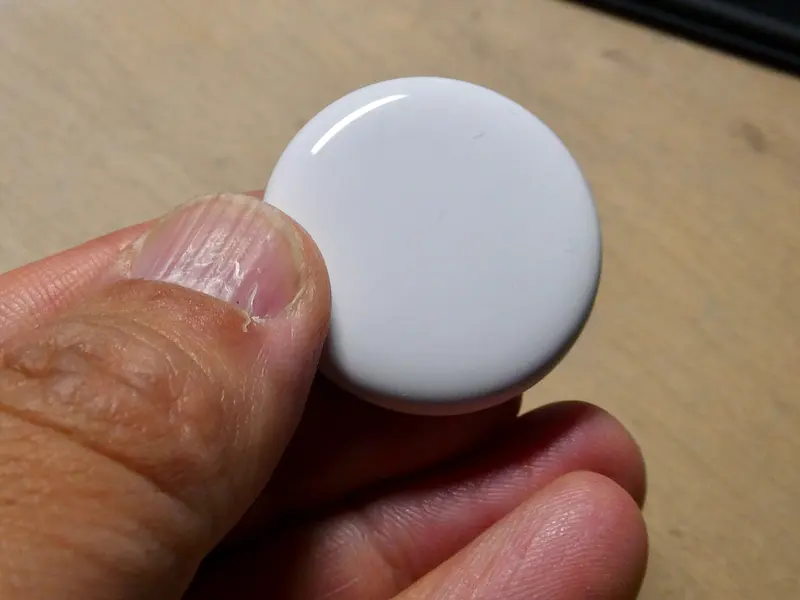 Photo: KKPCW, CC BY-SA 4.0
Apple AirTag (1st generation)
Apple · April 2021
- Phones
- iPhone
- Battery
- CR2032 coin cell
- Lasts
- Over a year with everyday use
- Water
- IP67
-
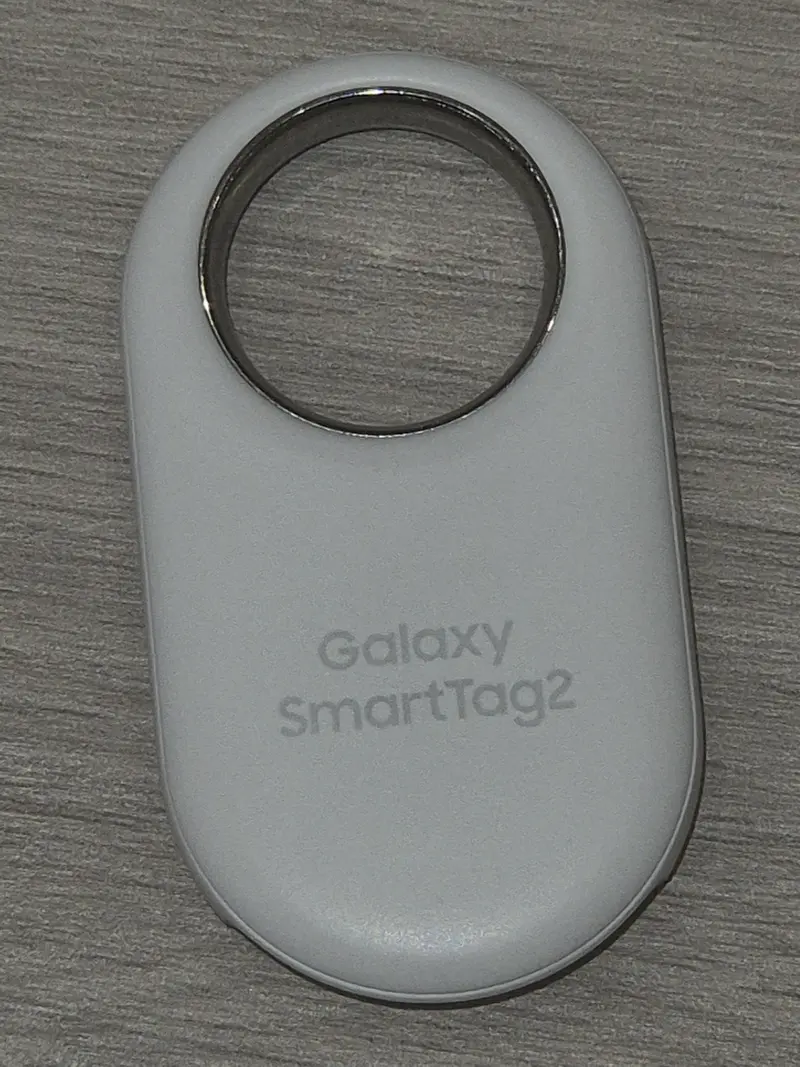 Photo: ItzANormalFioko, CC BY-SA 4.0
Samsung Galaxy SmartTag2
Samsung · October 2023
- Phones
- Samsung Galaxy
- Battery
- CR2032 coin cell
- Lasts
- Up to 500 days
- Water
- IP67
Product pages link to Amazon.co.uk with affiliate links. As an Amazon Associate I earn from qualifying purchases.
Check before you travel
Christmas travel is when a dead tracker is most annoying, so check batteries a week or so before you go:
- Open the app and check each item. Google's Find Hub help says battery levels show as "OK", "Low" or "Very low", and advises replacing or charging the tag when it reaches "Low".
- Change low batteries at home, not in a hotel room. Our guide to changing tracker batteries has the steps for AirTag, SmartTag2 and Tile.
- Test the tag after changing it. Play a sound from the app to check it is working and still on your account.
- Pack trackers in luggage carefully. Our guide to using a tracker in your luggage covers what airlines and the Civil Aviation Authority say about batteries.
Rechargeable trackers
Some trackers have rechargeable batteries instead of coin cells. They avoid the coin-cell risk below, but they need charging, and a tag on keys that live in a cold car may run down without you noticing. Put a reminder in your calendar, or check the app's battery level when you charge your phone.
Safe spares at Christmas
Winter is when many homes buy packs of coin cells for toys, remotes, decorations and trackers. These batteries are dangerous if swallowed.
The government's Office for Product Safety and Standards (OPSS) says button and coin batteries pose a "severe health risk", mainly to children and pets, and that coin batteries carry the most risk because saliva can react with them in the throat to produce caustic soda, causing burns and internal bleeding. It lists everyday places they turn up, including "remote controls, car key fobs, bike lights, smaller toys".
The Child Accident Prevention Trust (CAPT) advises:
- Store spares "up high and out of your child's reach".
- Check products for loose backs and batteries that have dropped out.
- Dispose of used batteries as soon as you can, because "they are still unsafe".
Apple also says an AirTag, its battery cover and battery can be a choking hazard for small children.
When a tag stops working
If a tag still won't respond indoors with a fresh battery, check it is still on your account and try the maker's reset steps. Apple's help page explains the reset for the original AirTag and for the 2nd generation, which are slightly different. If you are passing an old tag on, see our post on a new-year tracker tidy-up.
This article is general information, not safety advice for your situation.
Sources
- Apple Support: AirTag (2nd generation) tech specs
- Samsung UK: Galaxy SmartTag2
- Google Android Help: Share and manage devices with Find Hub
- GOV.UK (OPSS): Using button and coin batteries
- Child Accident Prevention Trust: Button battery safety
- Child Accident Prevention Trust: Button batteries in an emergency
- Apple Support: How to reset your AirTag
This article is general information, not legal, safety or insurance advice for your situation. If you are in danger, call 999.